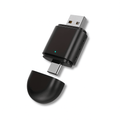
DriveLink – Wireless Apple CarPlay & Android Auto Adapter with USB-C & USB-A
- Wireless CarPlay and Android Auto
- For cars that do it with a cable now
- USB-C or USB-A: it fits both
Specifications
- Type
- Adapter that makes CarPlay and Android Auto wireless
- Works in
- Any car with CarPlay or Android Auto via a cable
- Works with
- iPhone (Apple CarPlay) and Android (Android Auto)
- Connection port
- USB-C or USB-A
- Wireless
- Bluetooth 5.3 and 5.8GHz WiFi
- Startup time
- A few seconds after you start the car
- Installation
- Plug in and pair once, no app needed
- Controls
- Your car's screen, steering wheel buttons or voice
- Power
- Your car's USB port
- Design
- Compact and minimalist, black
Description
Built for every ride
You get in and just want to drive off. But first your phone has to go on the cable, or CarPlay or Android Auto won't show up on your screen. Every single drive, even for that one quick trip.
Plug the DriveLink into your car's USB port and pair your phone once. After that, there's nothing left to do. Start the car and CarPlay or Android Auto is on your screen. Your phone stays in your pocket or your bag.
Get in and go
As soon as you start the car, the DriveLink connects to your phone. Within seconds, your navigation, music and messages are ready on your car's screen. You only pair once; after that it happens on its own every drive.
Will it work in your car?
The DriveLink is made for any car that already has CarPlay or Android Auto through a cable: city car, SUV or van, the make doesn't matter. Do you plug your phone in with a cable now to get CarPlay or Android Auto on your screen? Then the DriveLink works.
Not sure? That cable is the quick test: if you use one now, the DriveLink works.
USB-C and USB-A on one adapter
One car has a USB-C port, another a USB-A port. The DriveLink has both plugs: USB-A on one end and USB-C on the other. Plug in the end that fits. So you don't have to figure out which version you need.
Controls just like you're used to
You control everything through your car's screen, the buttons on your steering wheel or your voice. Music, navigation and calls sound just like you're used to, through your car's speakers. The only thing that changes: the cable is gone.
Small and out of sight
The DriveLink is small and light. Just leave it in the USB port, so you never have to think about it again.
Not happy? Send it back
You get 30-day returns, starting the day your order arrives. Doesn't work in your car or not happy with it? Send it back and get your money back.
Frequently asked questions
Does the DriveLink work with my car?
Yes, if you plug your phone in with a cable for CarPlay or Android Auto now. The DriveLink works with any car that already does that through a cable; make or model doesn't matter. Plug it into the USB port where your cable goes now and you're done with that cable from your very first drive.
Not sure? That cable is the quick test. Doesn't work in your car after all? Send it back within 30 days and get your money back.
Will it fit my USB port?
Yes. The DriveLink has two plugs: USB-A on one end and USB-C on the other. Plug in the end that fits your car. So you don't have to figure out which version you need.
Do I have to pair it every time?
No. Pair your phone once over Bluetooth. After that, the DriveLink connects within seconds as soon as you start the car. Nothing for you to do: get in, start the car and your screen is ready.
Do I need to install an app?
No. Plug the DriveLink into the USB port and pair your phone once over Bluetooth. No app needed: you're set up in no time.
Does it work with iPhone and Android?
Yes, with both. With an iPhone you use Apple CarPlay; with an Android phone, Android Auto. Wirelessly, on your car's screen.
Can I pair more than one phone?
Yes. You can pair multiple phones. Handy if you share the car.
Does the DriveLink affect the sound quality in my car?
No. The DriveLink delivers smooth audio and video. Music, navigation and calls sound just like you're used to, through your car's speakers. Only the cable is gone.
How do I reach you with a question?
Email your question to info@drivemax.nl. You can do that before you order, too.
Are returns easy?
Absolutely. You get 30-day returns, starting the day your order arrives. Not happy? Send the product back and get your money back.
How fast do you process my order?
We process your order within 1 to 4 business days. Your package ships with DHL. As soon as it ships, you get a tracking link right away.
Customers also bought
−15%Combine and save 15% on 2 or more products.
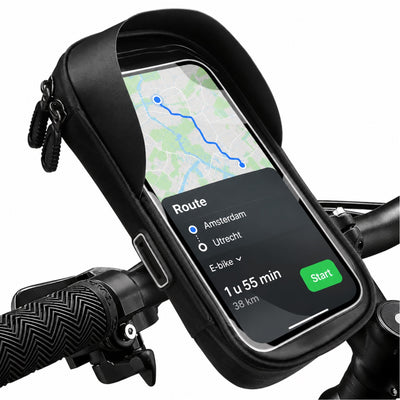 96 reviewsMotoShield – Waterproof Phone Holder for Bike & Motorcycle
$39.99 was
96 reviewsMotoShield – Waterproof Phone Holder for Bike & Motorcycle
$39.99 was  59 reviewsVisionEdge™ 360° Full HD Dashcam with Wifi, Night Vision & App Connection
$129.99 was
59 reviewsVisionEdge™ 360° Full HD Dashcam with Wifi, Night Vision & App Connection
$129.99 was  62 reviewsGuardianTag™ GPS Tracker – Smart Bluetooth Tracker for Android
$44.99 was
62 reviewsGuardianTag™ GPS Tracker – Smart Bluetooth Tracker for Android
$44.99 was  42 reviewsActionView 4K Action Camera with 170° Wide Angle – Waterproof, App Control & Ultra HD Image Quality
$69.99 was
42 reviewsActionView 4K Action Camera with 170° Wide Angle – Waterproof, App Control & Ultra HD Image Quality
$69.99 was 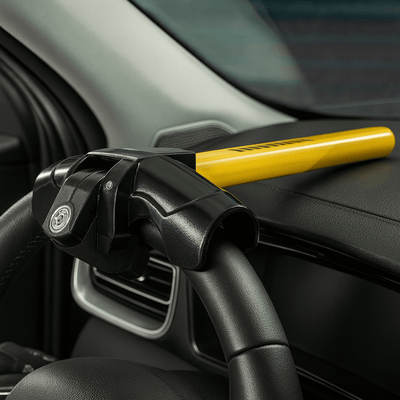 57 reviewsSteerGuard Car Steering Lock – Maximum Protection Against Theft
$79.99 was
57 reviewsSteerGuard Car Steering Lock – Maximum Protection Against Theft
$79.99 was  88 reviewsDashRacer™ – Remote Control Car 1:16 with LED Lights & Controller
$79.99 was
88 reviewsDashRacer™ – Remote Control Car 1:16 with LED Lights & Controller
$79.99 was  83 reviewsHoldify™ – 360° Adjustable Car Phone Holder with Strong Suction Cup
$39.99 was
83 reviewsHoldify™ – 360° Adjustable Car Phone Holder with Strong Suction Cup
$39.99 was 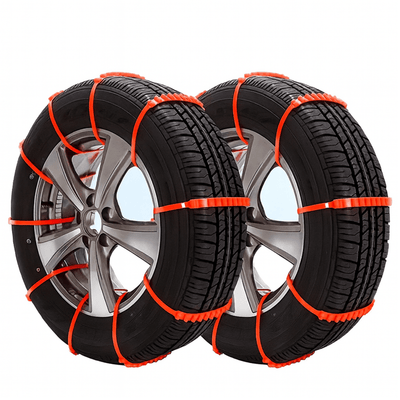 55 reviewsSnowGrip™ – Universal Anti-Slip Snow Chains for Cars
$89.99 was
55 reviewsSnowGrip™ – Universal Anti-Slip Snow Chains for Cars
$89.99 was 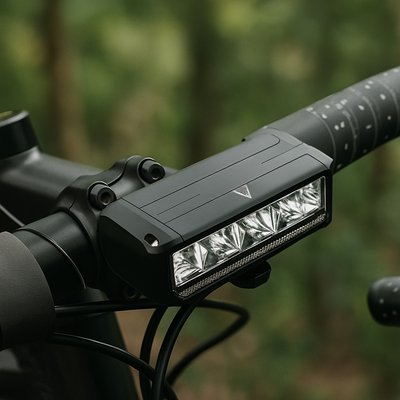 114 reviewsVoltura™ – Powerful LED Bike Light for Maximum Safety
$39.99
114 reviewsVoltura™ – Powerful LED Bike Light for Maximum Safety
$39.99
 86 reviewsDiagMax – OBD2 Scanner for Car Diagnosis and Error Code Reading
$89.99 was
86 reviewsDiagMax – OBD2 Scanner for Car Diagnosis and Error Code Reading
$89.99 was 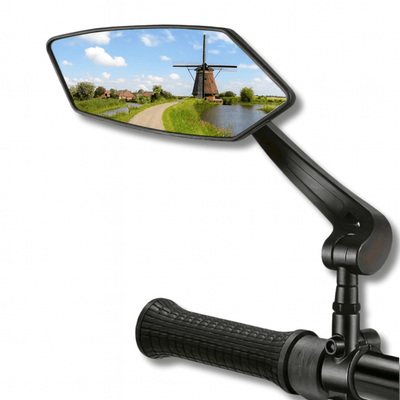 112 reviewsReflectra Bike Mirror – Crystal Clear View & Maximum Road Safety
$39.99
112 reviewsReflectra Bike Mirror – Crystal Clear View & Maximum Road Safety
$39.99
 39 reviewsDustero™ Premium Car Vacuum Cleaner – Wireless, Powerful & Always Ready
$64.99
39 reviewsDustero™ Premium Car Vacuum Cleaner – Wireless, Powerful & Always Ready
$64.99
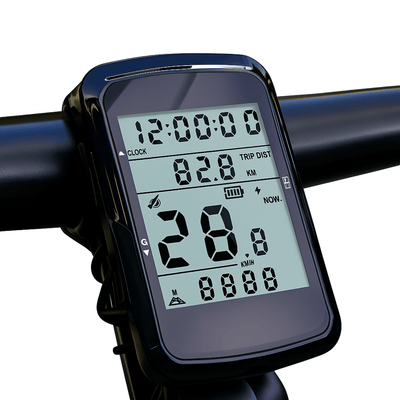 94 reviewsVeloxRide™ Bike Computer – Wireless, Rechargeable & 35h Battery
$49.99
94 reviewsVeloxRide™ Bike Computer – Wireless, Rechargeable & 35h Battery
$49.99
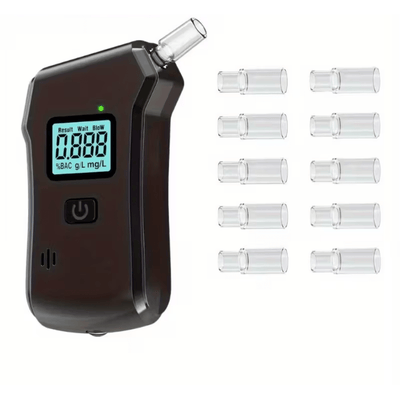 91 reviewsDriveSafe™ – Digital Alcohol Tester with LCD Screen & Mouthpieces
$49.99 was
91 reviewsDriveSafe™ – Digital Alcohol Tester with LCD Screen & Mouthpieces
$49.99 was 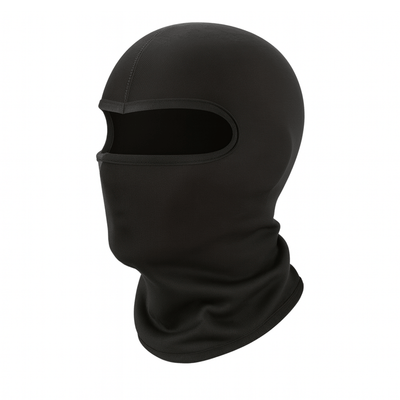 42 reviewsThermoShield™ Balaclava Mask – Breathable & Elastic Comfort
$29.99 was
42 reviewsThermoShield™ Balaclava Mask – Breathable & Elastic Comfort
$29.99 was  48 reviewsZyro™ – Foldable Plastic Bike Basket | Light, Sturdy & Practical
$54.99
48 reviewsZyro™ – Foldable Plastic Bike Basket | Light, Sturdy & Practical
$54.99