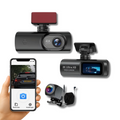
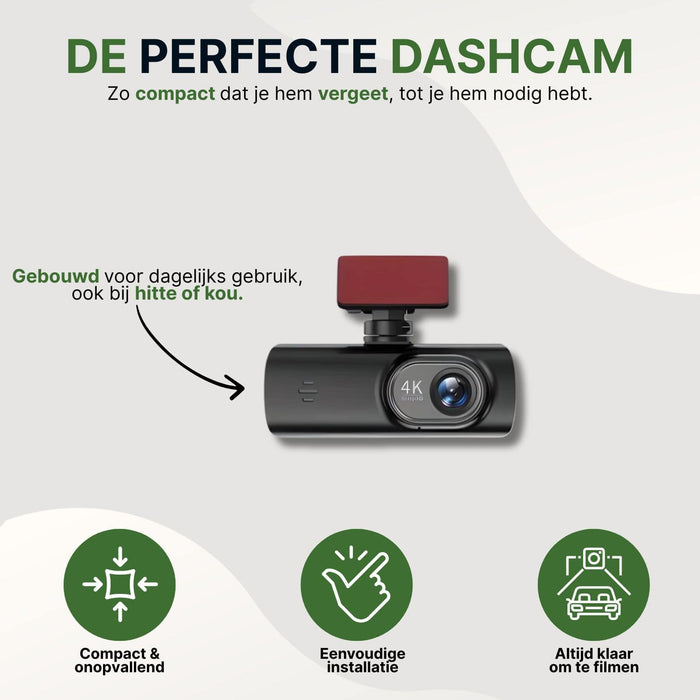
GuardianView Pro Car Dashcam | 4K Ultra HD with Wi-Fi & Smartphone App
- 4K Ultra HD picture quality
- Wi-Fi connection with smartphone app
- Always have proof, even in the event of parking damage
- Simple installation, ready to use right away
Drive with evidence, not hope
From your daily commute to long road trips. This dash cam captures every moment in razor-sharp detail, so you’ll never have to doubt or defend yourself again.
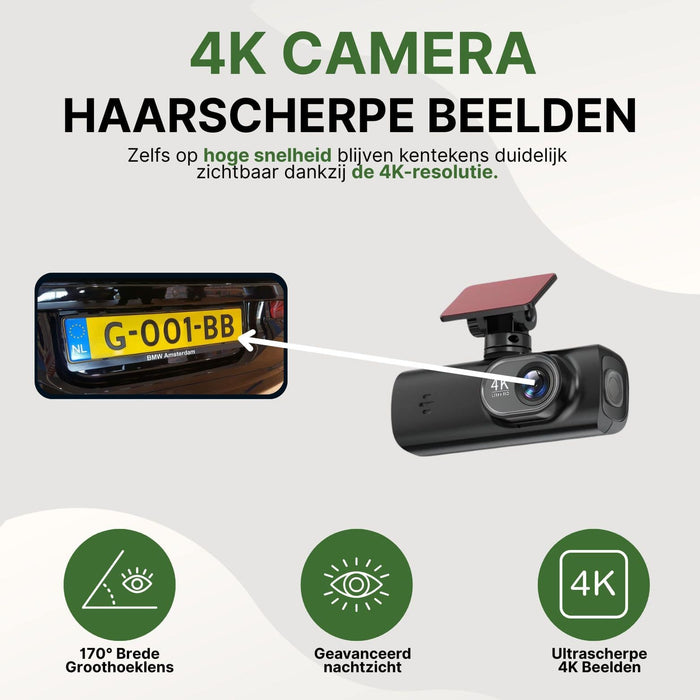
Every detail, captured with crystal clarity.
The camera records in 4K Ultra HD. License plates, road signs, and important details remain clearly legible, even at speed. That’s the difference between doubt and certainty when evidence matters.
- Crystal-clear 4K picture quality
- Images directly on your smartphone
Sharp images, day and night
The sensor works well in low light. License plates and traffic signs remain legible, even at dusk or in the rain. This way, you always have usable evidence, whatever the weather.
- Good image quality in low light
- License plates readable in rain and darkness
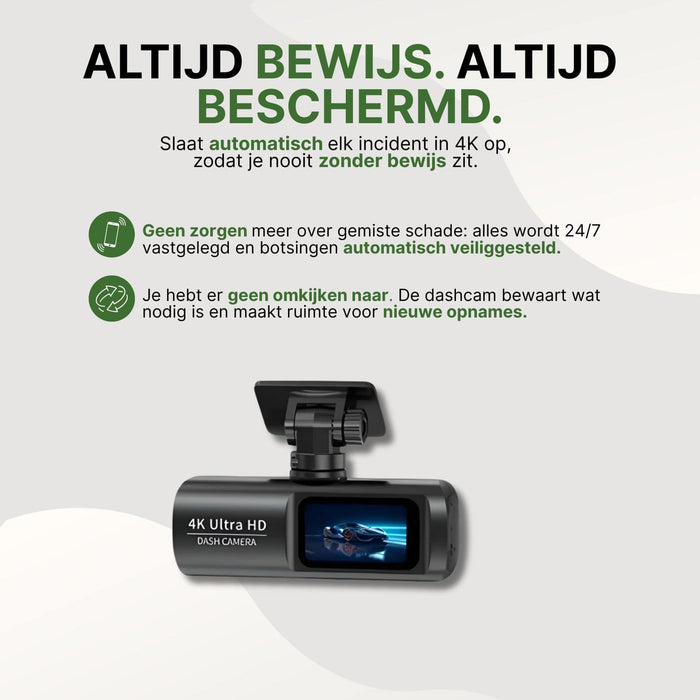
View images on your smartphone
After an incident, you don’t want to search or wait. The camera creates its own Wi-Fi connection, allowing you to connect your smartphone directly. Use the free iOS and Android app to view footage immediately.
- Your own Wi-Fi, no router needed
- Free app for iOS and Android
The details in a row
Everything you need to know before ordering.
Why GuardianView Pro vs. standard
Why drivers choose peace of mind.
| Feature | Drivemax | Standard |
|---|---|---|
| 4K Ultra HD image quality | ||
| WiFi & free smartphone app | ||
| Wide all-around viewing angle | ||
| Immediate evidence in the event of an incident | ||
| Also works when the car is parked |
Frequently asked questions
Everything you want to know, clearly answered.
How quickly will my order be processed?
We usually process your order within 2–4 business days. You will automatically receive a track-and-trace link once your package is on its way.
Can I return it easily?
Of course. You have 30 days to change your mind from the moment you receive your order. Not satisfied? Return the product and you’ll get your money back.
Does the image quality remain good at night or in bad weather?
Yes. The camera has a sensor that captures sharp images even in low light. License plates and traffic signs remain legible, even at dusk or in the rain.
How do I view the footage after an incident?
The dashcam automatically creates its own Wi-Fi connection. With the free app for iOS and Android, you can connect your smartphone directly and view the footage on the spot. No need to wait or search.
Does the dashcam also record when I’m not in the car?
Yes. There is a parking mode that keeps monitoring active when you are not there yourself. Parking damage or suspicious movements around your car are still recorded.
30-day money-back guarantee
We stand behind our products. Not satisfied? Return it within 30 days and you’ll get a full refund, no hassle.